How to Use the Standee (Size: 3 × 6 ft)
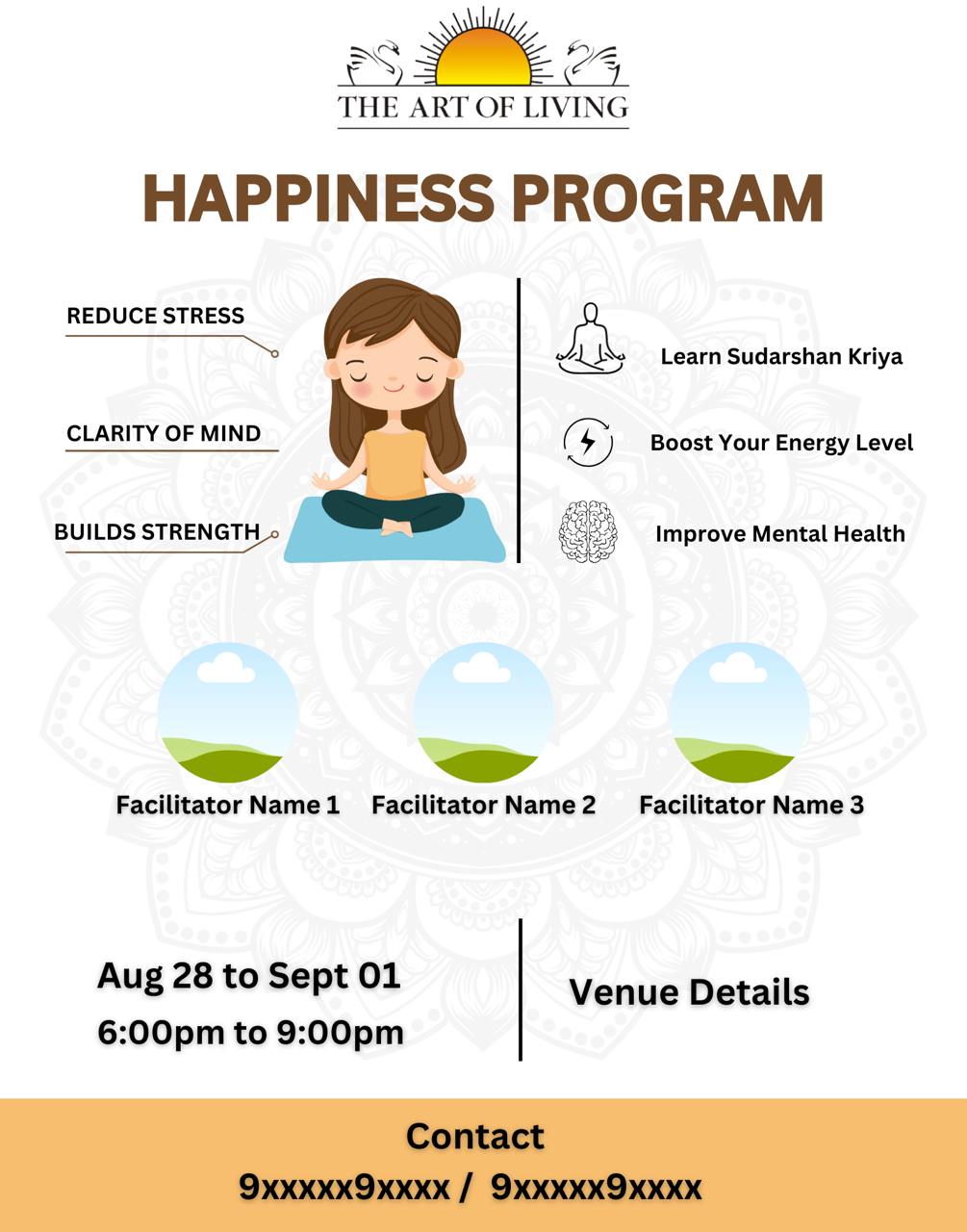
- The standee design has a blank space on the left side of the QR code. This space is meant for Date, Time, and Venue details.
- Before printing the standee:
- Replace the QR code in the design.
- Add a QR code that connects to your WhatsApp contact number.
- Update the contact numbers in the design.
- To make the standee reusable:
- Print the Date & Time on an A4 sheet (horizontal).
- Print the Venue on another A4 sheet (horizontal).
- Stick these sheets in the blank space to the left of the QR code.
- Whenever there is a new program, you only need to change these printed sheets, and the same standee can be used again.